


Hello

Share your wonderful trends with Kuulchat users. Simply sign up and create a channel and share.

2071 days
HOW TO SHARE A POST
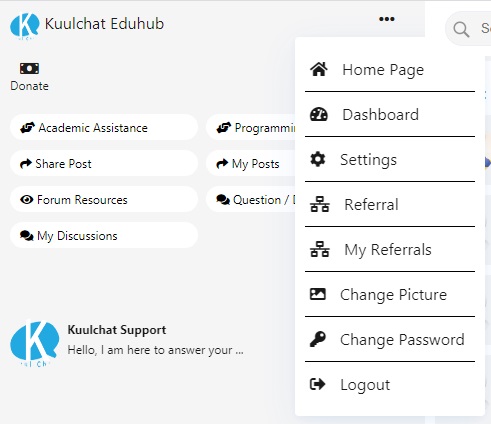
Do you have a joke, a story, article, promote a brand or yourself or any other interesting thing to share?
You can do that on kuulchat. All post shared are public and available to both registered and non-registered members.
Before you can share a post, you will have to create a channel which you will use for all posts. Each account can create only one channel for sharing posts.
To share a post, please follow the steps below :
Registered members can follow you so they can get notification anytime you share a post.
Happy Sharing!

2101 days

Kuulchat Eduhub
Subscribe to Kuulchat educational youtube channel so that you can receive notifications anytime I upload my lesson videos.
Just search kuulchat Eduhub on https://www.youtube.com/ and click on the Subscribe button.


Digital Address: GZ-033-0057
King Kotey Road
Teshie - Accra
Ghana
+233 54 753 9118
info@kuulchat.com

© Copyright 2015 - 2026
All Rights Reserved




kobby king
688 days